
Map Features
NavWiz provides several advanced map features accessible from the Maps page. These include Map Annotation, Properties, Active Map selection, Map Teleportation, Map Transition Triggers, and Map Parameters.
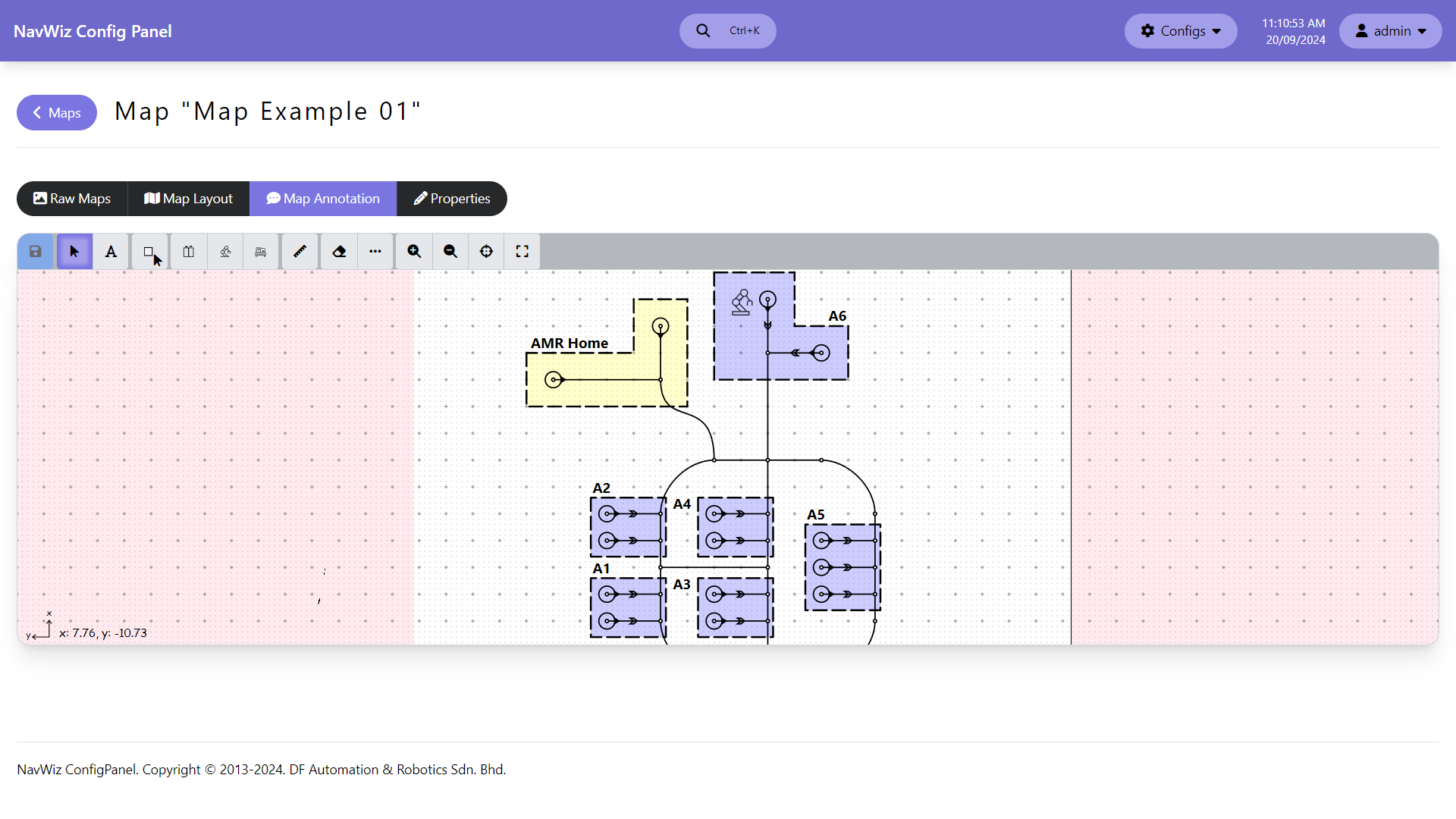
Map Annotation allows placing visual annotations on the map for reference purposes. Annotations do not affect AMR operation. Available annotation types: text annotations (with configurable font size), polygon annotations (with color and opacity settings), and icon annotations (lift, robot arm, conveyor icons).
Map Properties is used to change the name of the map.
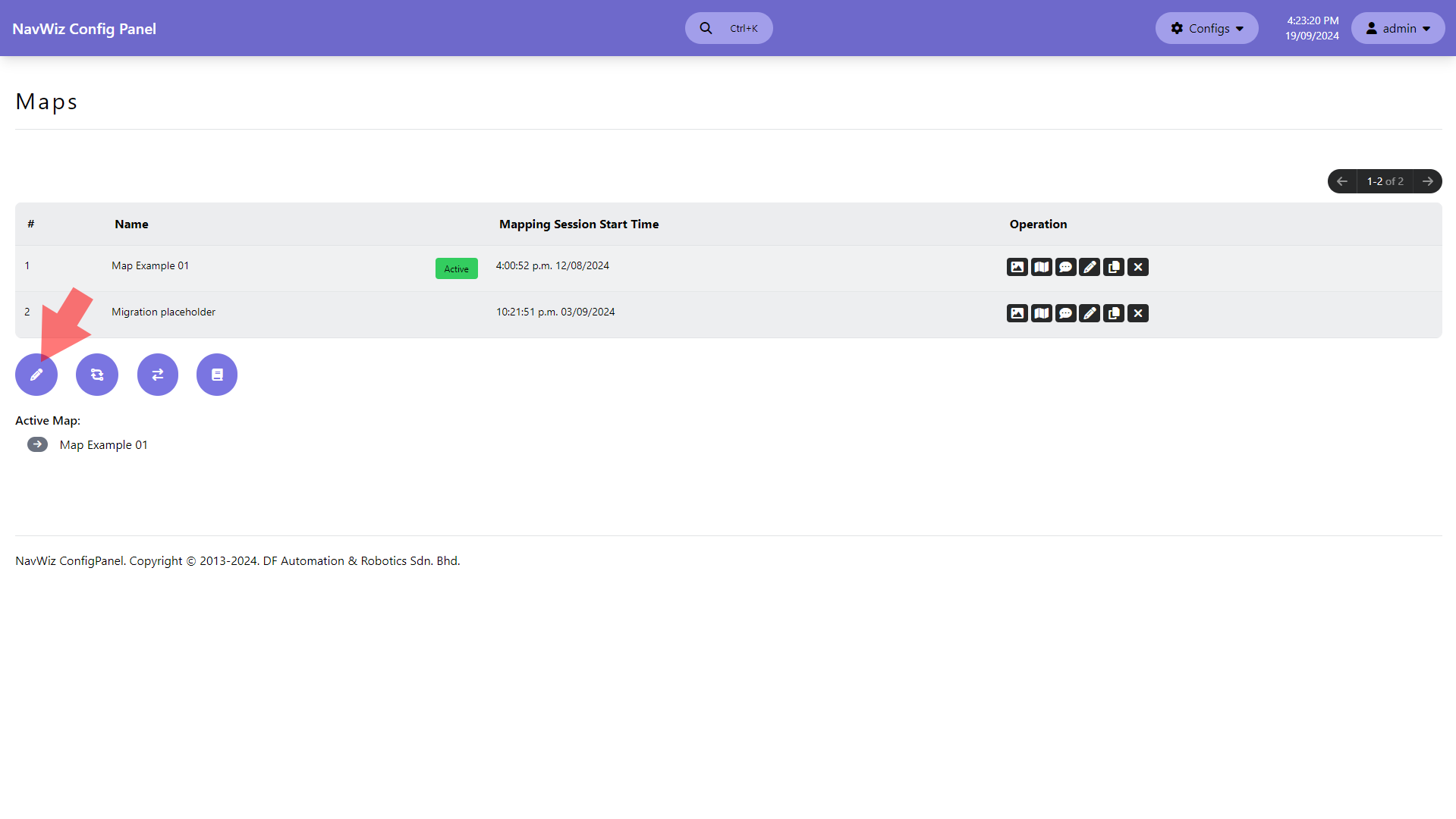
Active Map configuration sets which map(s) the AMR uses for navigation. Click the pencil icon at the bottom left of the Maps page, tick the checkboxes for the desired maps, and click Submit. Multiple maps can be active simultaneously — typically used for multi-storey buildings.
Map Teleportation is used when AMRs need to switch between map layouts — for example, transitioning through a curtain or using a lift to reach a different floor. Teleportation can also be configured between two stations on the same map.
| Field | Description |
|---|---|
| Start / End | Start and end positions/stations for the teleport |
| Pre-Action | Task to execute right before entering the teleport station |
| Action | Task to execute during teleportation |
| Align Station Type | Alignment method before teleport: Trackless, Front Line Sensor, or Rear Line Sensor |
| Non-stop Transition | When unticked, AMR comes to a complete stop before teleporting |
| Auto-reset AGV | Reset AMR position after teleport (Position resets both position and tracker; Position Tracker resets tracker only) |
| Validate RFID | Execute RFID verification after teleport (track mode only) |
| Distance Cost | Distance in meters from Start to End for path planning |
Map Transition Triggers automatically activate specific actions when the AMR passes through a designated station or changes heading during navigation. Triggers are configured between two stations at the same junction. They only activate during "Navigate To" and "Reverse Navigate To" actions — rotation actions like "Rotate Left" will not trigger them.
| Field | Description |
|---|---|
| Start / End | Start and end headings (by station selection) for the transition |
| Start Action | Task to execute at start heading before transition |
| End Action | Task to execute at end heading after transition |
| Applicable Motion | Which motions activate this trigger: Forward/Reverse Departure, Forward/Reverse Intermediate, Rotate Align at Destination |
| Cancel Non-stop Transition | Force the AMR to stop at this junction instead of passing through |
Example: Switch to navigation profile 2 when forward-passing through station B from left to right, and switch to profile 1 when passing through station B2 from right to left.
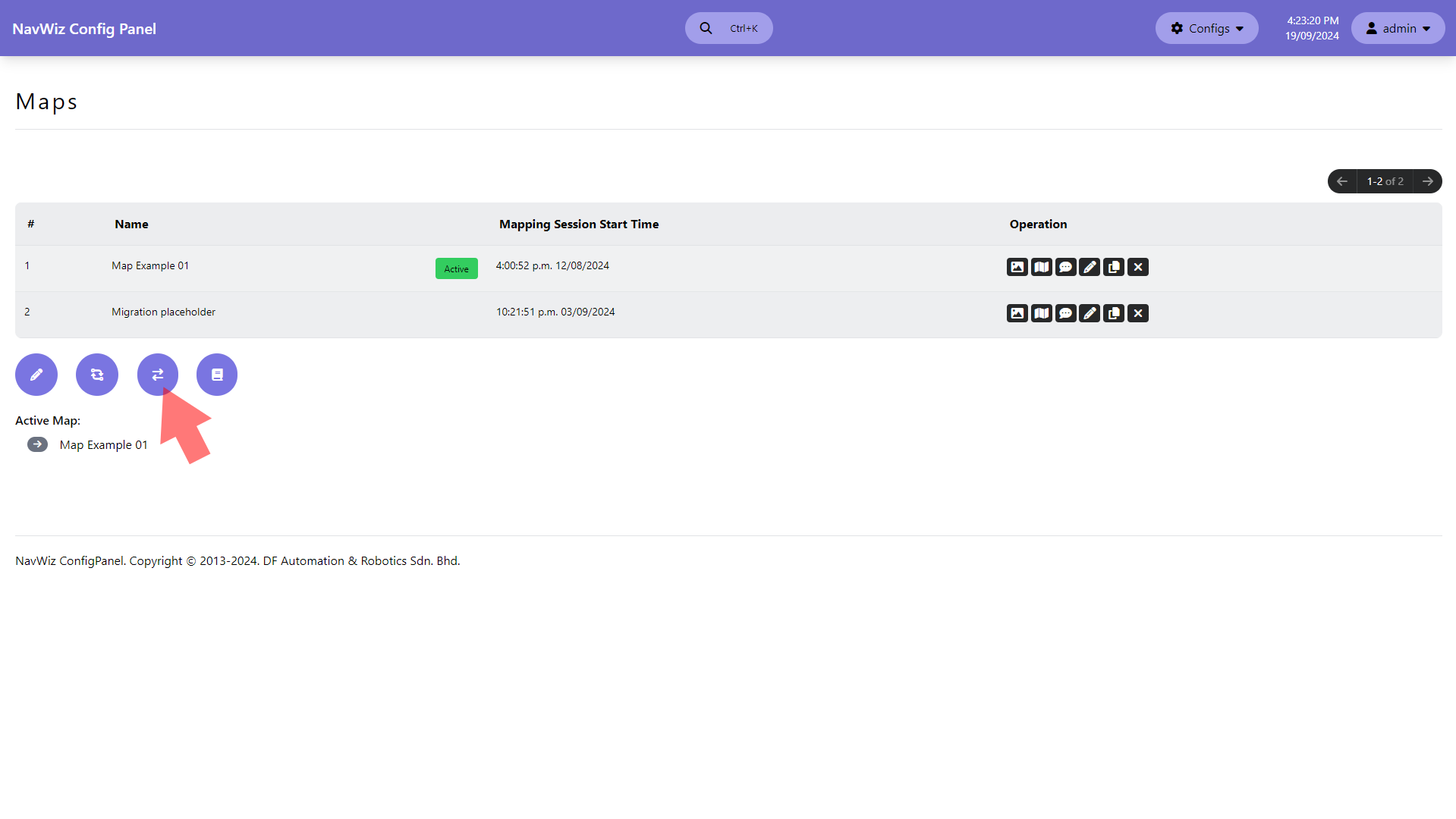
Map Parameters allow configuring custom speed values (in m/s) that can be used as speed limits in the map editor. Access via the icon at the bottom left of the Maps page. Each parameter has a name, data type, description, and value.
Navigation and Safety Parameters
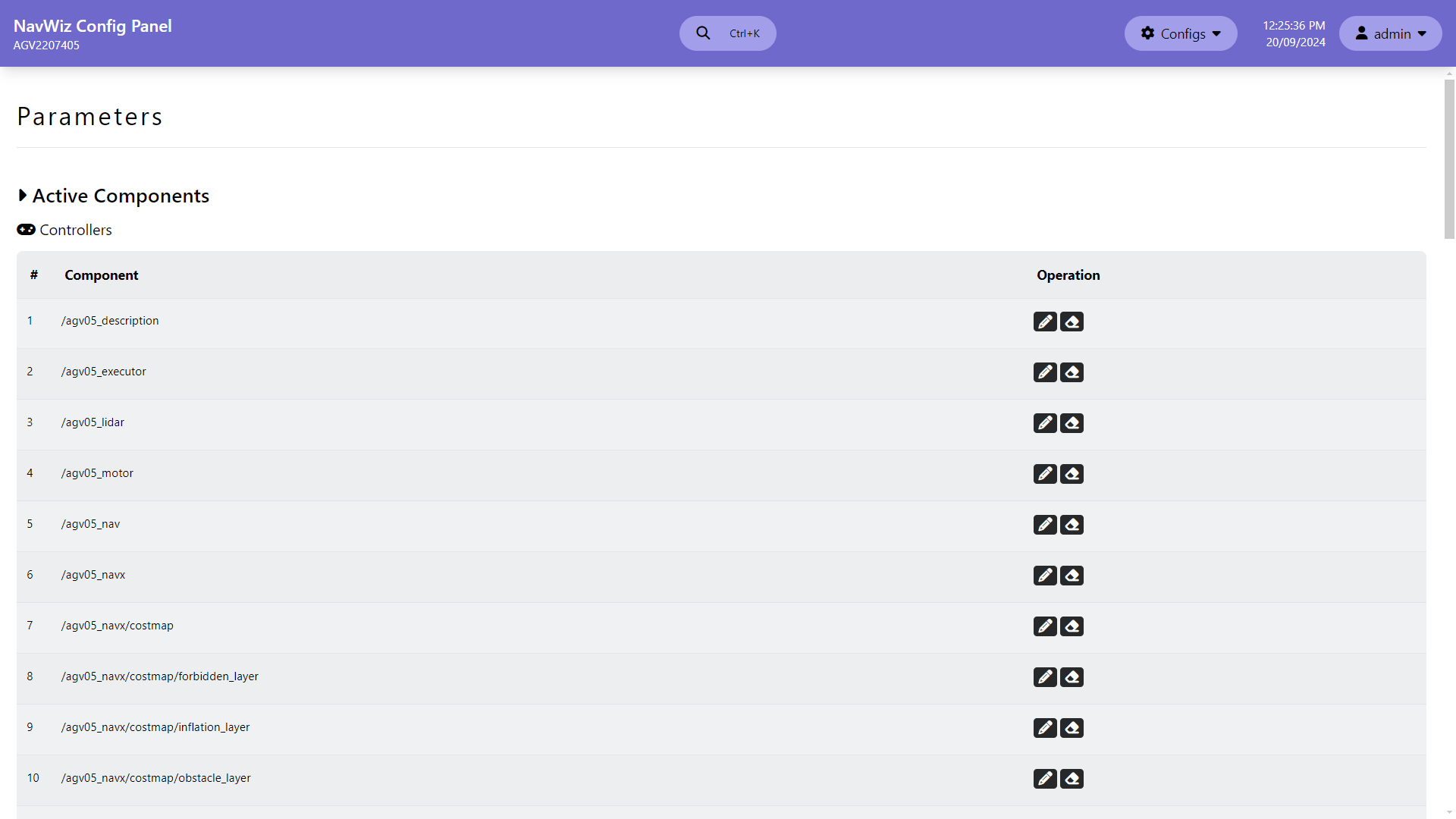
The Parameters section in ConfigPanel provides access to all system parameter nodes. Only admin and supervisor accounts can view parameters, and most are protected (admin-only modification). Parameters are divided into active components (required for current robot configuration) and offline components (unnecessary for current setup).
Key Parameter Nodes:
| Node | Purpose |
|---|---|
| /agv05_description | Configure laser, camera, and IMU position offsets (X, Y, Z in meters; roll, pitch, yaw in degrees) |
| /agv05_executor | Task runner settings, activity log configuration, custom logging, mapping method selection, and Navigate To behavior |
| /agv05_motor | Drive type (differential, tricycle, swerve, mecanum, custom), acceleration/deceleration limits, motor calibration, track width, and encoder settings |
| /agv05_nav | Navigation profiles for track mode — line following PID, straight/turn speed profiles, stopping offsets, junction config, safety config |
| /agv05_navx | Navigation profiles for trackless mode — path following PID, straight/turn speed profiles, reaching config, docking config, dynamic path planning |
| /agv05_modbus_client | Modbus device configuration (up to 10 devices) — IP, port, slave ID, communication timeout |
| /agv05_remote_io | Remote I/O device configuration (up to 10 devices) — IP, port, model (ADAM/WISE series) |
| /agv_obstacle_sensor | Obstacle sensor profiles (up to 10) — maps laser areas to movement conditions for front/rear sensor groups |
| /agv05_safety | Safety trigger behavior, including peripheral voltage cut-off |
| /marker_localization | Marker detection parameters for docking — reflector, V/L/VL/Bar markers, AR markers, pallet detection |
Navigation Profiles (/agv05_nav for track, /agv05_navx for trackless) support up to 5 customizable profiles, switchable via task template actions or teleports. Each profile includes:
| Sub-section | Key Settings |
|---|---|
| Line/Path Following | PID constants (P, I, D), ahead distance, error thresholds, traditional PID toggle |
| Straight Profile | Jerk (acceleration/deceleration), normal acceleration/deceleration, max speed, bezier max speed |
| Turn Profile | Jerk, normal angular accel/decel, max angular speed |
| Stopping Config | Forward/reverse stopping offsets, junction deceleration and speed, overshoot/undershoot limits |
| Safety Config | Laser sensor speed limits for Near/Middle/Far block, muted detection speeds, out-of-line/path distance and angle limits |
Motor Configuration (/agv05_motor) supports multiple drive types: differential drive, tricycle steering, swerve drive, mecanum drive, and custom drive. Common settings include max acceleration (0.001–10.0 m/s²), max deceleration, velocity timeout, and motor fault sensitivity. Drive-specific settings include wheel calibration scales, track width, wheelbase, and steering angles.
Modbus Client (/agv05_modbus_client) enables communication with up to 10 Modbus TCP devices. Configure each device's IP address, port (1–65535), slave ID (0–247), and communication timeout (1.0–20.0 seconds). A soft reboot is required after changes.
Remote I/O (/agv05_remote_io) enables communication with up to 10 remote I/O devices. Supported models include ADAM-6050, ADAM-6052, ADAM-6250, ADAM-6256, WISE-4050, WISE-4051, and WISE-4060. Configure each device's IP, port, and model number.