
How to Turn on NavWiz Remote Assistance
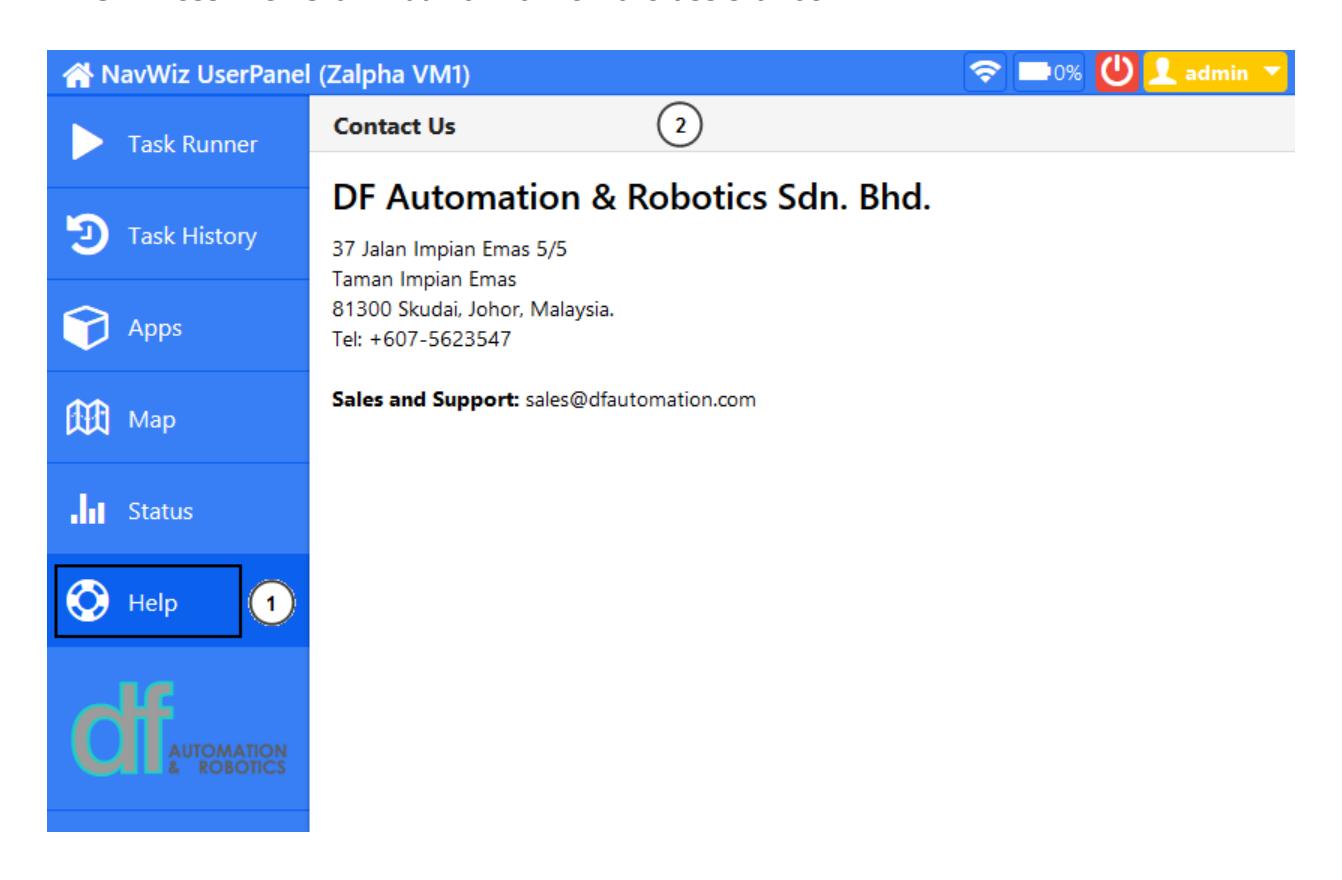
- Select the "Help" tab on the left side menu of the AGV panel.
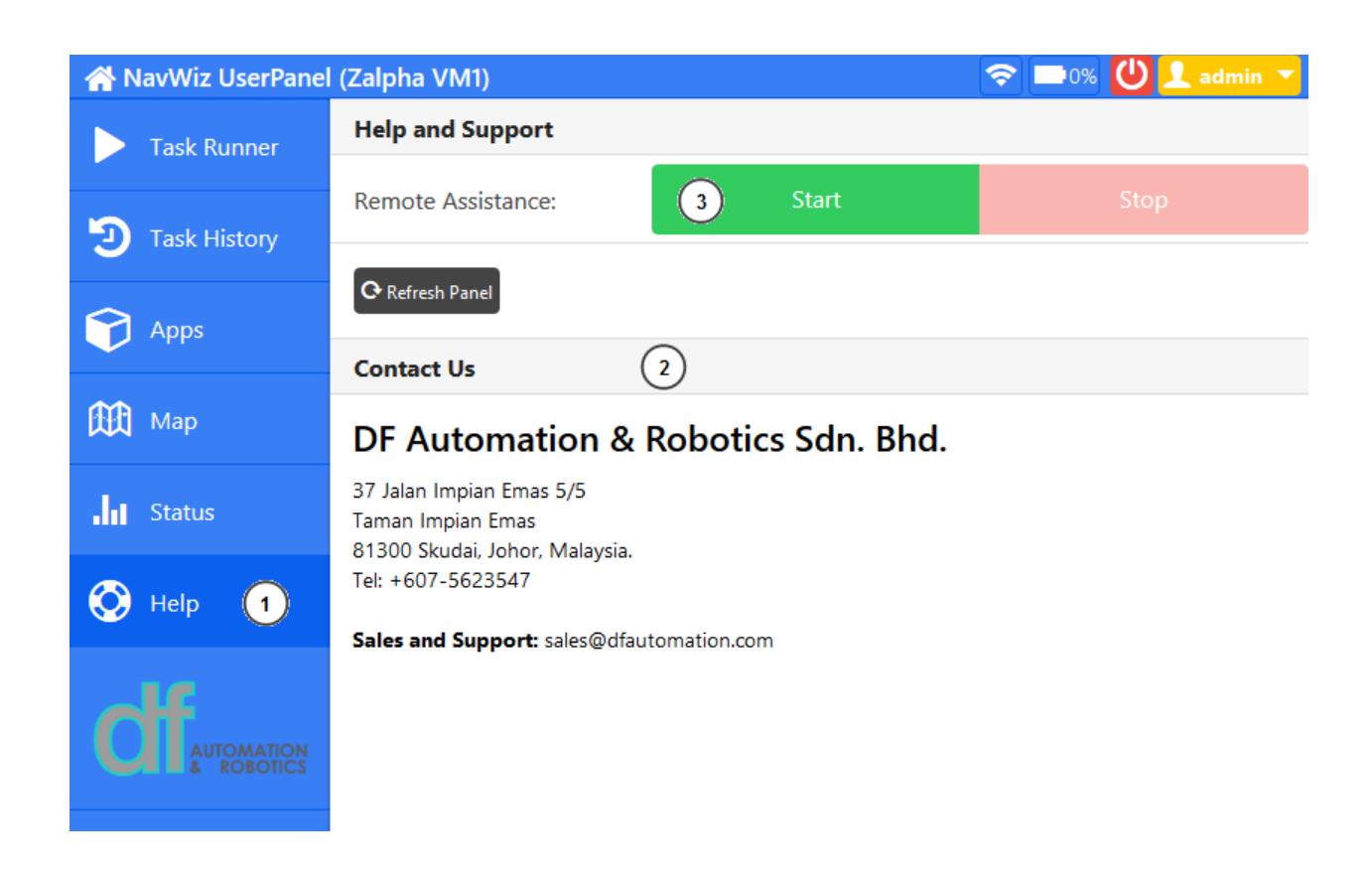
- Tap the "Contact Us" titlebar successively for 5 times to reveal the "Help and Support" section.
- Press the "Start" button for remote assistance.
Reach out to our support team on WhatsApp for personalized assistance.
Chat with us on WhatsAppUpdated on September 9, 2026