
Map Configuration — Track Mode
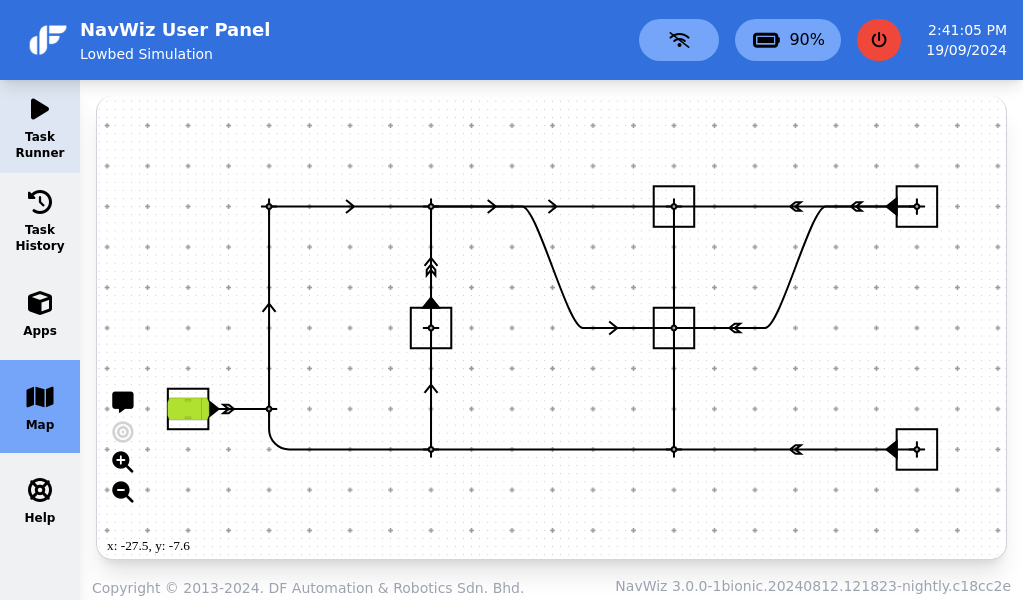
In track mode, the map serves as a platform for configuring paths and stations that match the physical magnetic tape layout at the site. These configurations are essential for AMR path planning. Since track mode relies on magnetic tape guidance, no raw map of the environment is needed.
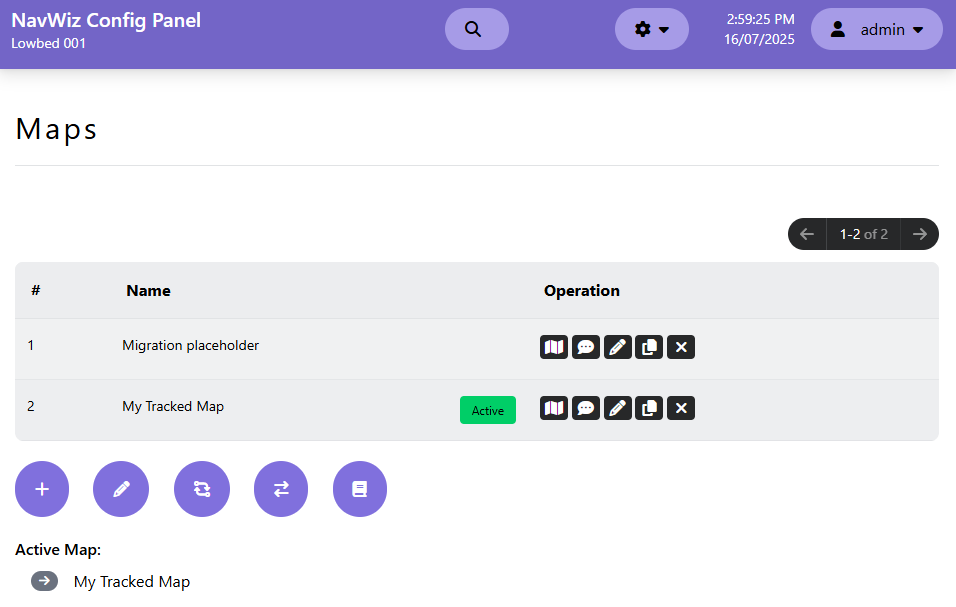
The Maps list page allows users to add, edit, clone, remove, and save multiple maps. Only active maps are used by the AMR for navigation. Each map entry shows its name and provides quick access to the map layout editor, annotation editor, properties, and additional tools (active map, teleportation, transition triggers, map parameters).
The Map Editor (track mode) provides a toolbar with these primary functions:
| Tool | Description |
|---|---|
| Save | Save edits to the map. A Soft Reboot is required for changes to take effect |
| Revert | Revert to the previous saved state |
| Select | Drag the map view and select paths, junctions, or stations for configuration |
| Station Placement | Place stations on either end of a path. Multiple stations per junction are supported |
| Path Placement | Place paths — the basic building blocks. Three types: Straight Path, Right-angle Path, and S-curved Path |
| Location Hint Zone | Define named location areas retrievable via REST API |
| No-rotate Zone | Define areas where the AMR should avoid rotating to prevent collisions |
| Clear All | Delete everything on the map (unsaved changes are lost) |
| Undo/Redo | Undo or redo the last change |
Station Properties (appear when a station is selected): Set the station name (used for navigation destinations, position resets, teleports, and transition triggers), toggle the station heading direction, switch between stacked stations at the same junction, search references using this station, or delete it.
Path Properties (appear when a path is selected):
| Property | Description |
|---|---|
| Flow | Set one-way direction restrictions on the path |
| Forward/Reverse Motion | Force the AMR to navigate forward or reverse on this path. Options: Free, Force AMR Heading, Force Forward, Force Reverse |
| Speed | Set a speed limit for the path (Unlimited, Medium Fast, Medium, Slow, or custom m/s) |
| Delete | Remove the path (stations at path ends must be deleted first) |