Requirement
NavWiz Software a. Already setup to be accessed through the network. Guide
Guide
Access your NavWiz IP Address using any web browser.
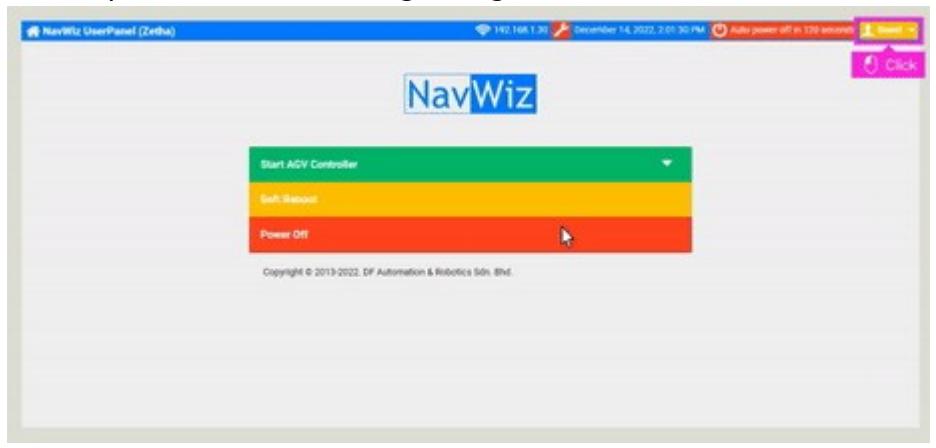
You will be presented with the NavWiz UserPanel.
Click Guest at the top right corner of NavWiz UserPanel.
Click Login from the drop down menu.
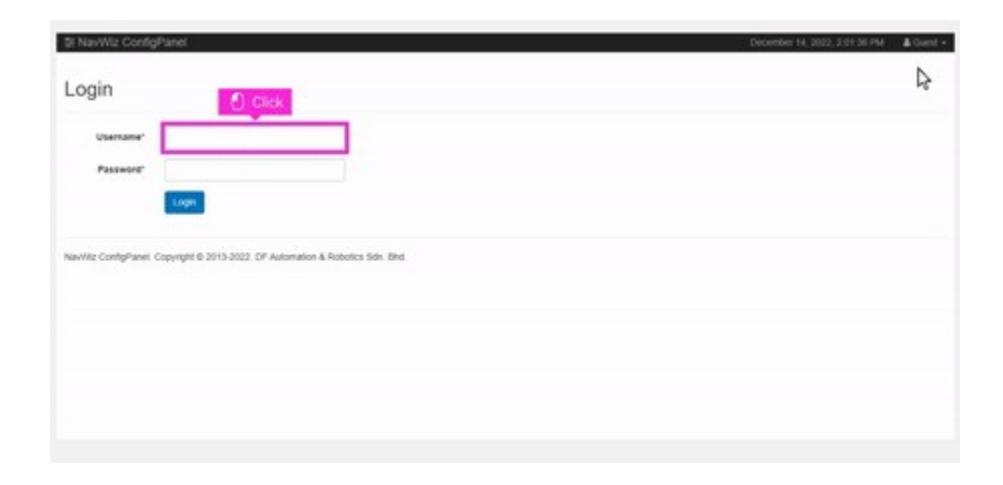
You will be presented with a Login Page.
Click the Username user input and type in admin.
Click the Password user input and type in pass2016. The password will not be displayed.
Click Login.
You will return back to the NavWiz UserPanel.