Live Map and Status Display
The Map Tab on the UserPanel displays real-time AMR movement based on the active map. It visualizes the AMR's position relative to junctions (track mode) or waypoints (trackless mode). The animated line represents the movement path of the AMR.
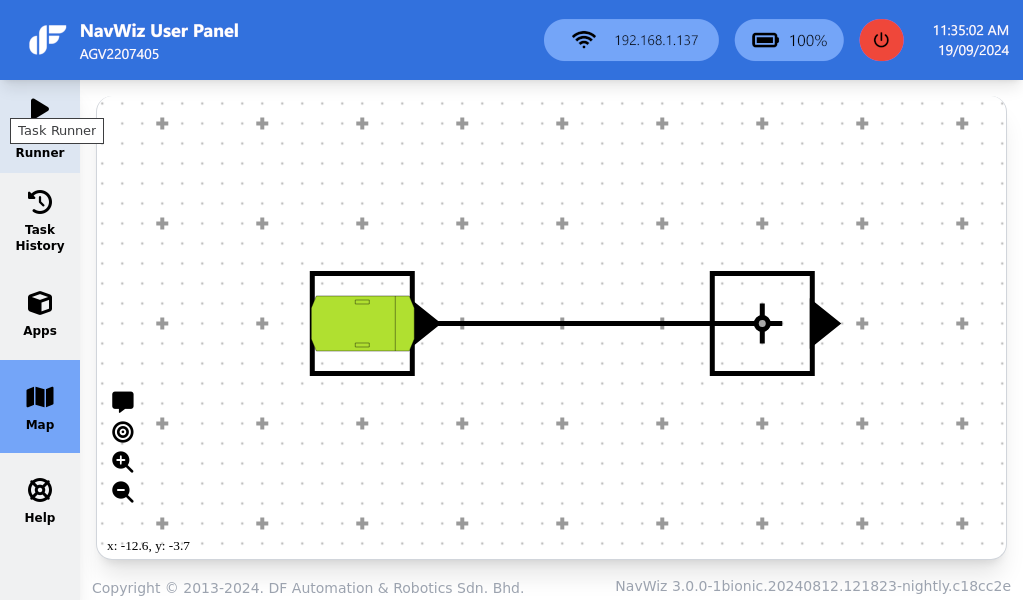
The Live Map includes several interactive features:
| Feature | Description |
|---|---|
| Map Annotation | Toggle display of map annotations |
| Costmap | Enable the costmap for dynamic obstacle avoidance visualization |
| Auto Focus | Enable AMR auto-focus feature on the map |
| Zoom In/Out | Zoom controls for the map view |
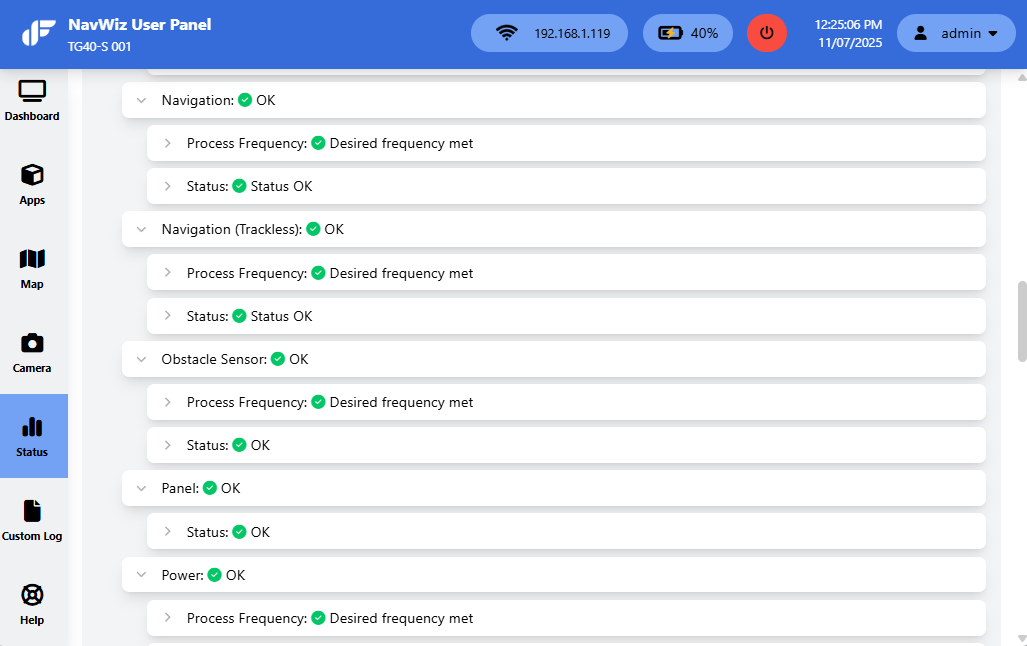
The Status page provides built-in system check and diagnostics. It displays the status of all components within the AMR control system. The content may vary based on the navigation configuration and AMR model.
Remote Access and Help
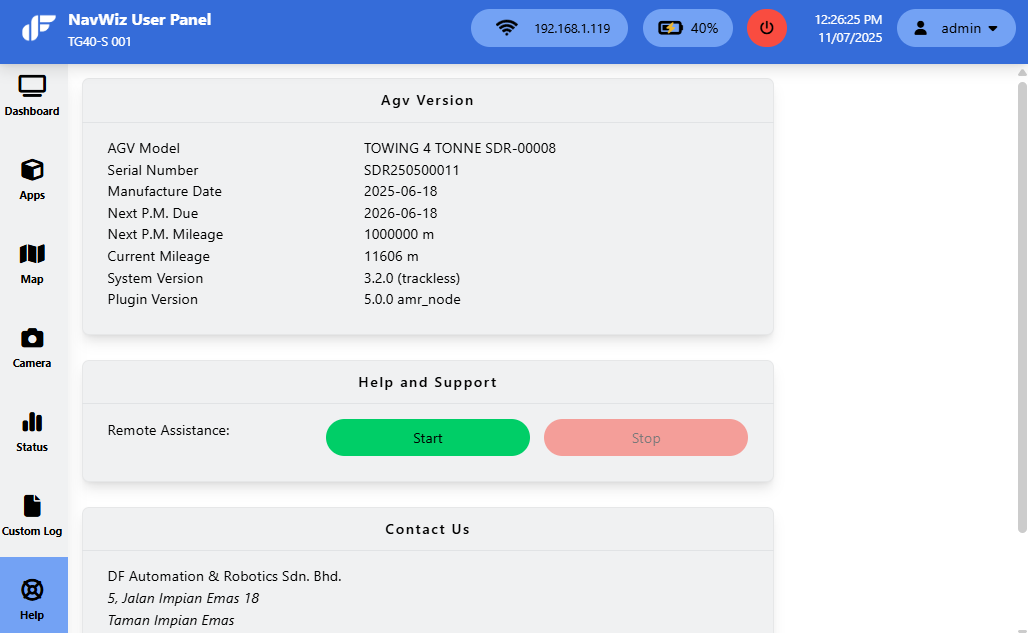
The Help page contains AMR information and DF Automation contact details. It also provides a hidden remote access feature for remote support.
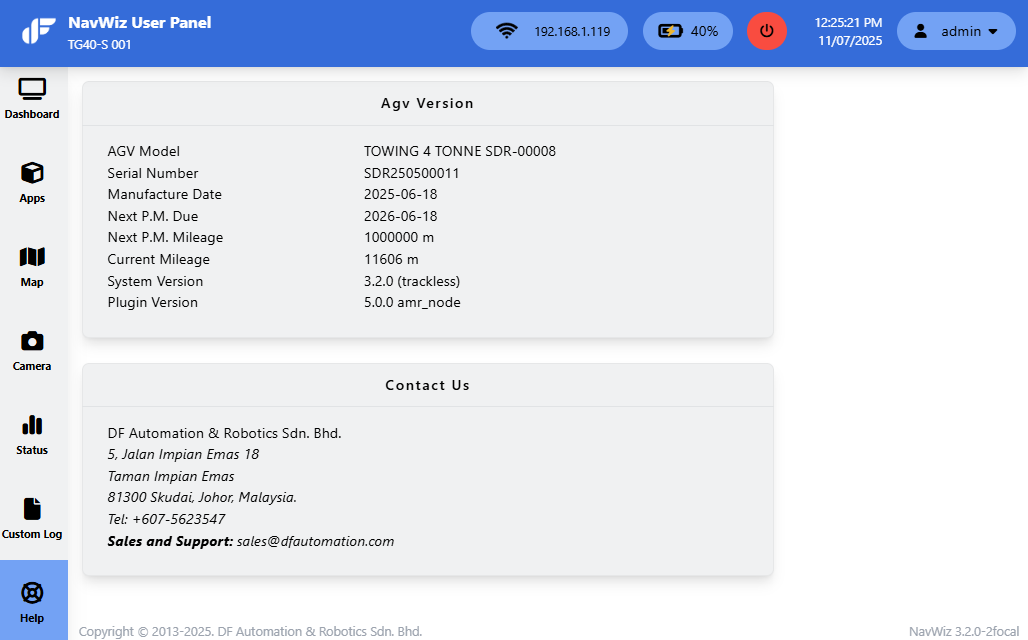
- Navigate to the Help page. Click and hold the left mouse button anywhere within the page.
- While holding the button, drag the cursor downwards to reveal the remote access option.
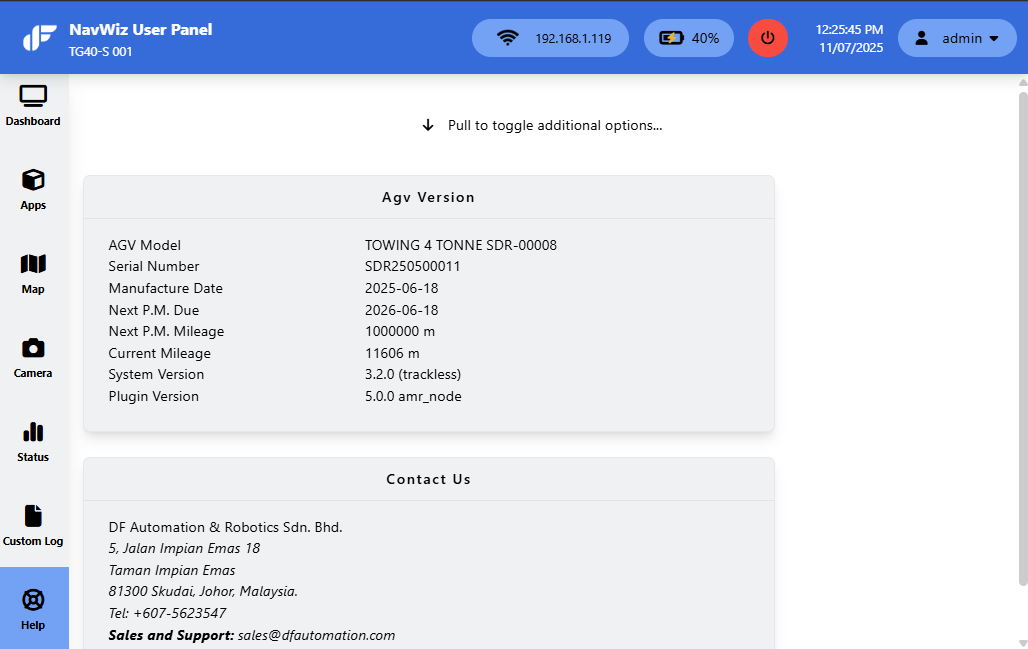
- Click Start to enable remote access. Click Stop to disable it, and Refresh Panel to reset the Help page.