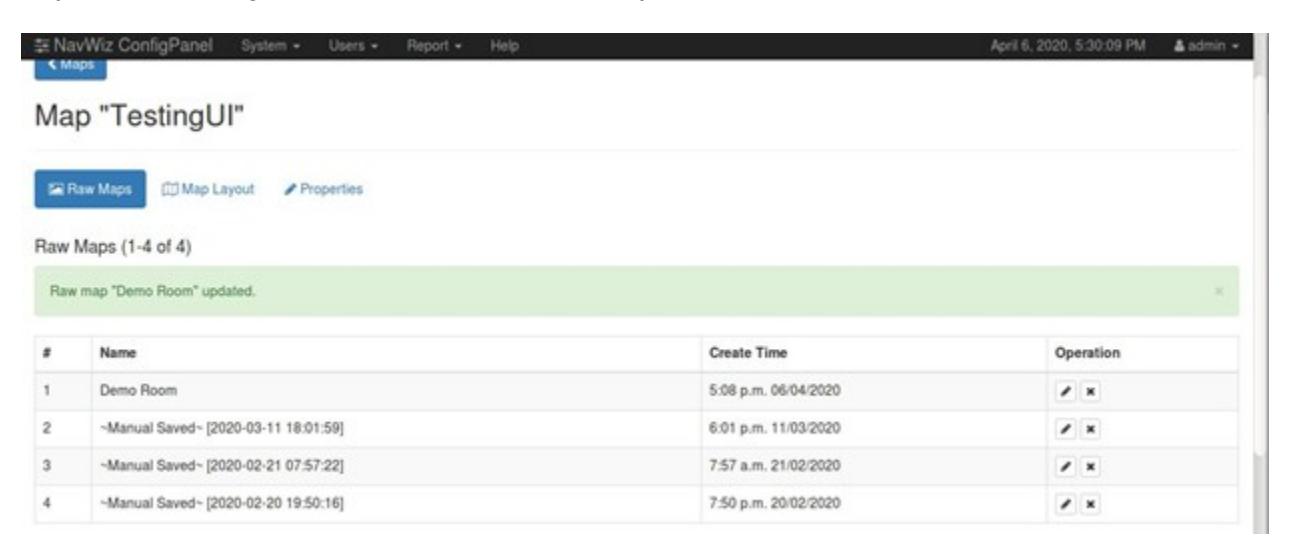
How to Edit Trackless Raw Map
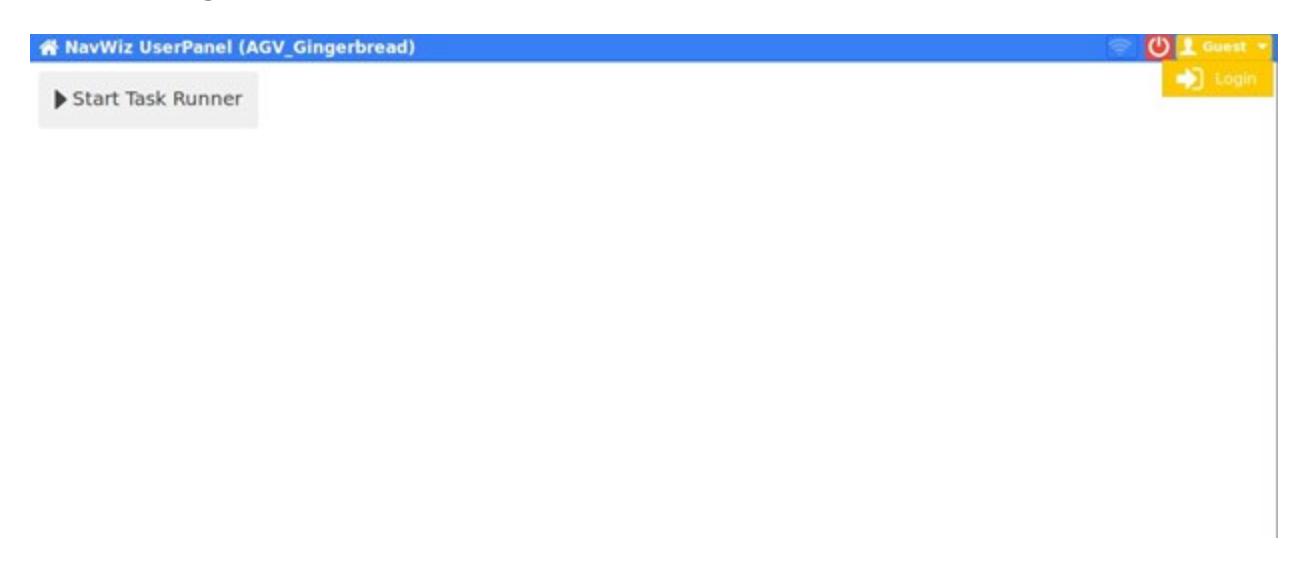
- Click on the top right Guest yellow button if AMR is not login yet. Then, click on Login.
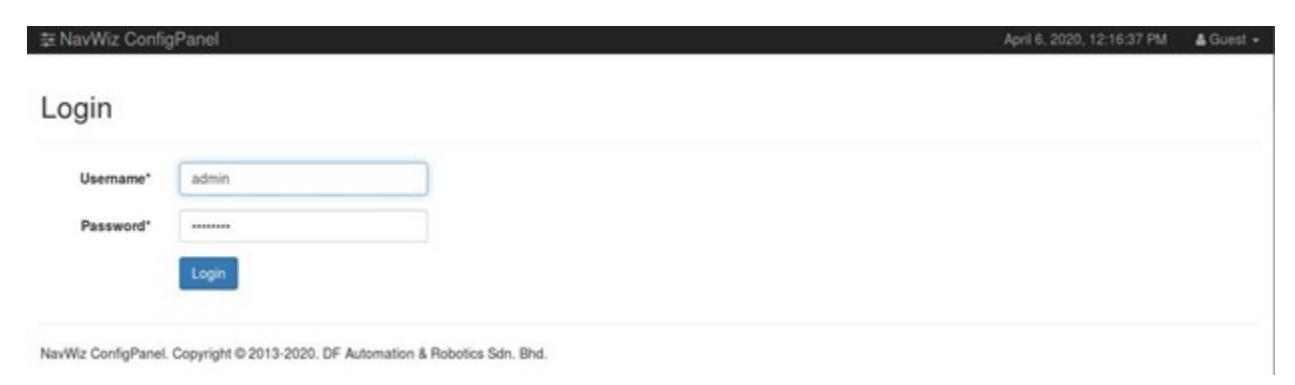
- Enter Username: admin and Password: pass2016. Then, click on Login.
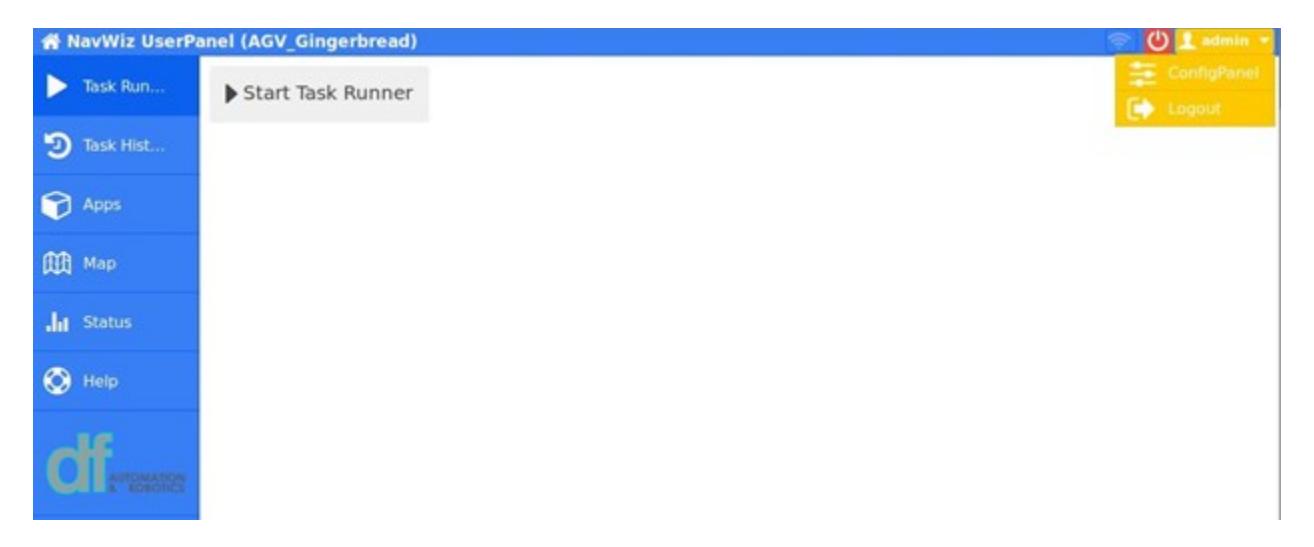
- After login, you will be redirected to NavWiz UserPanel. Click on the top right admin yellow button, then ConfigPanel.
- After clicking on ConfigPanel, you will be redirected to NavWiz ConfigPanel. Click on System, then Maps.
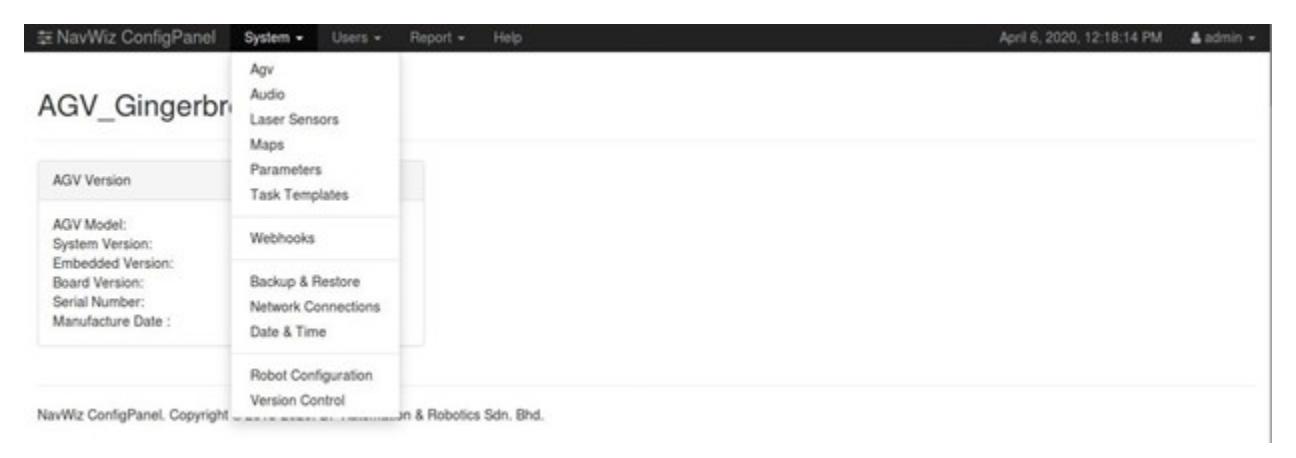
- Select the Map that you want to edit by clicking on the pencil icon in the operation.
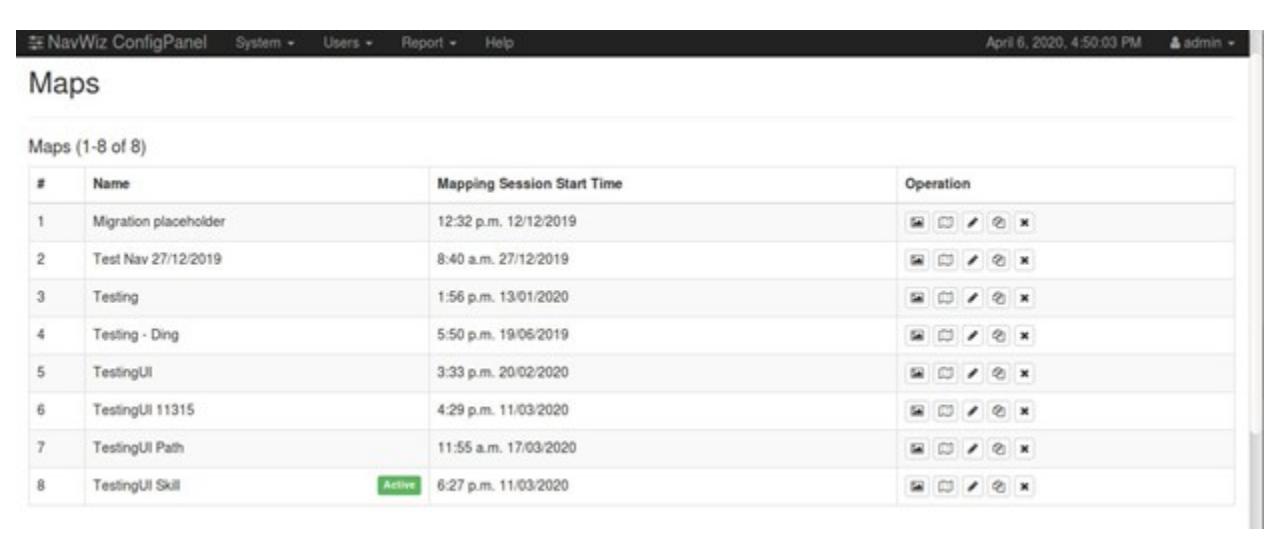
- Select the Raw Map that you want to edit by clicking on the pencil icon in the operation.
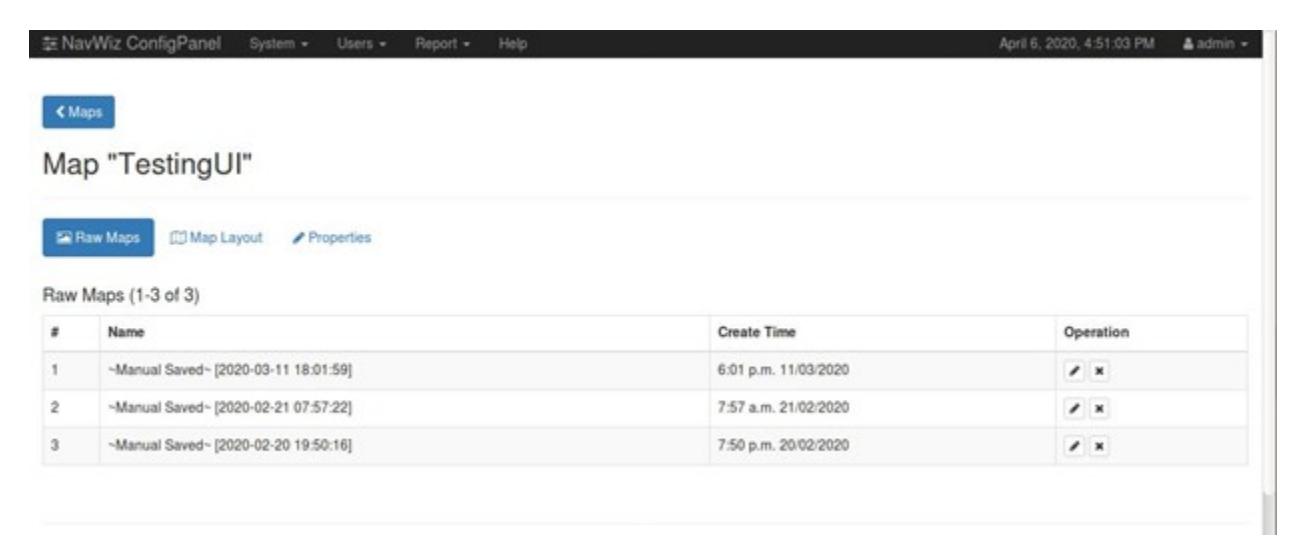
- Rename the raw map by providing it with a new name in the raw map editor, else select "Replace the original raw map instead of saving a new copy." to overwrite it.
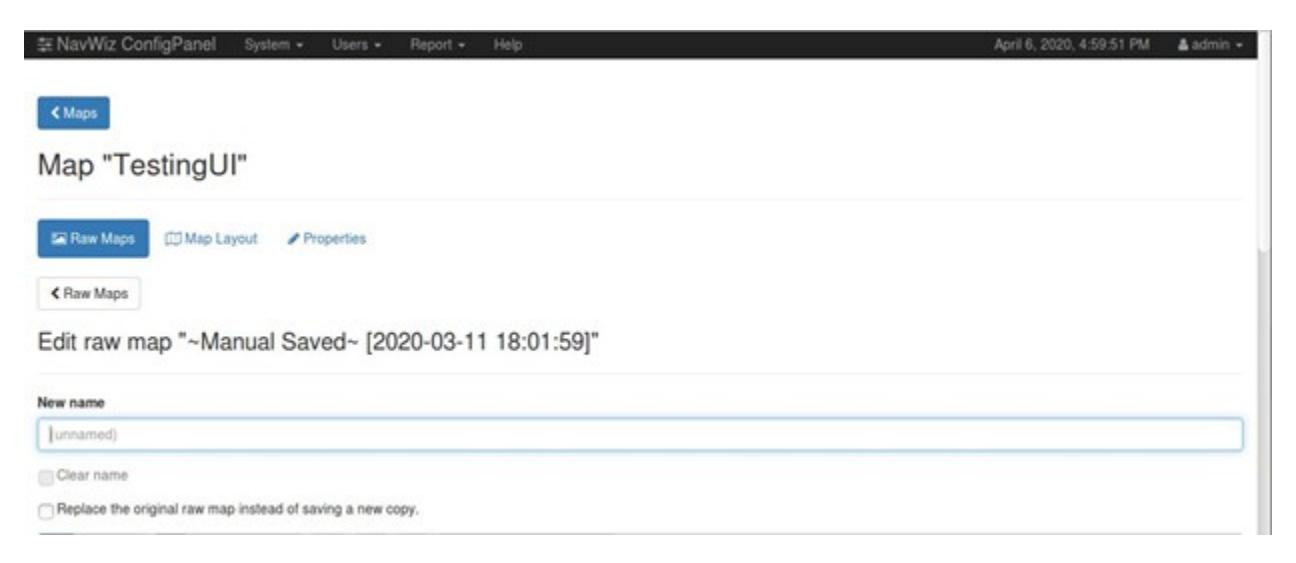
- Use the Draw Black Line to draw black line for the wall and use the Draw Black Hollow Rectangle to draw rectangles of any size.
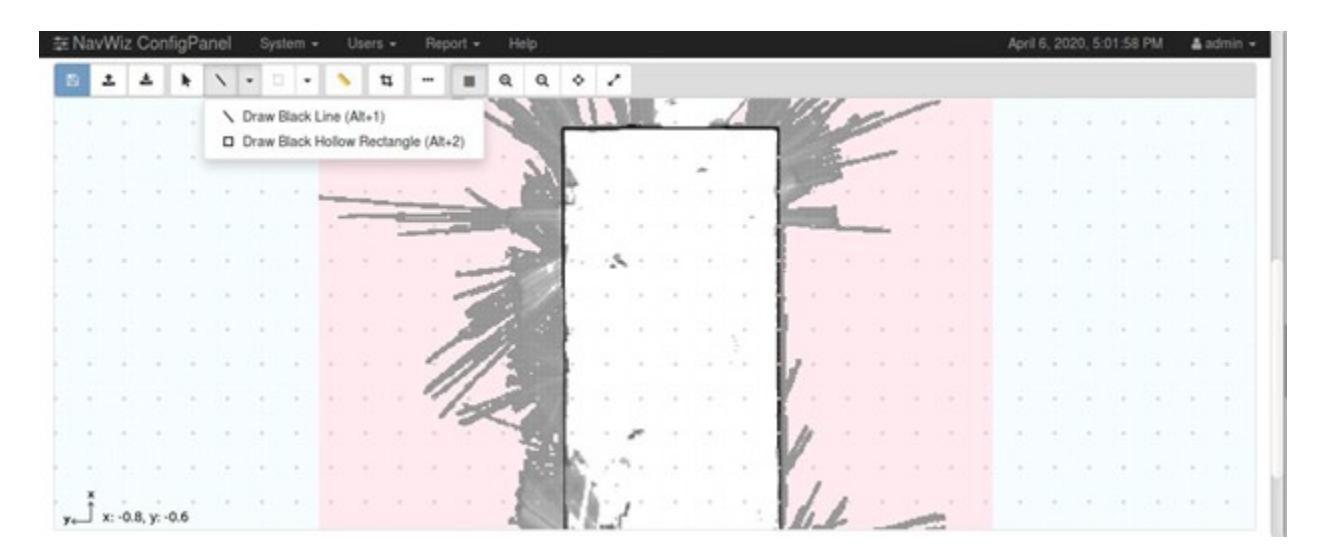
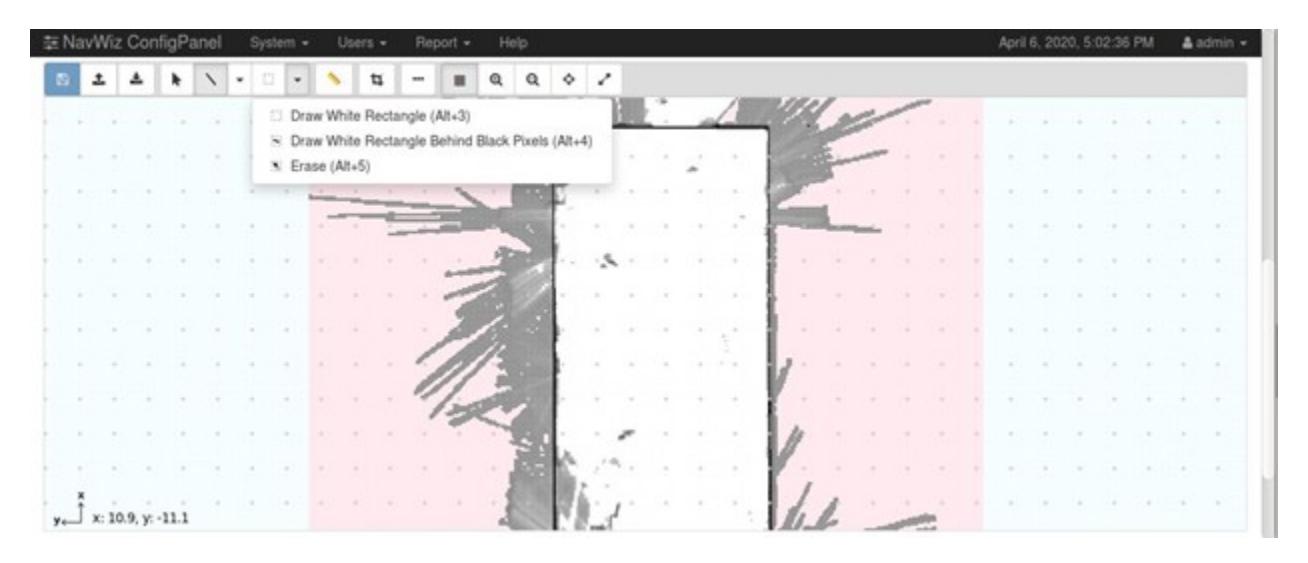
- Use Draw White Rectangle to draw white background with all the black line and rectangle being deleted. Use Draw White Rectangle Behind Black Pixels to draw white background without removing the black line or rectangle that has been drawn.
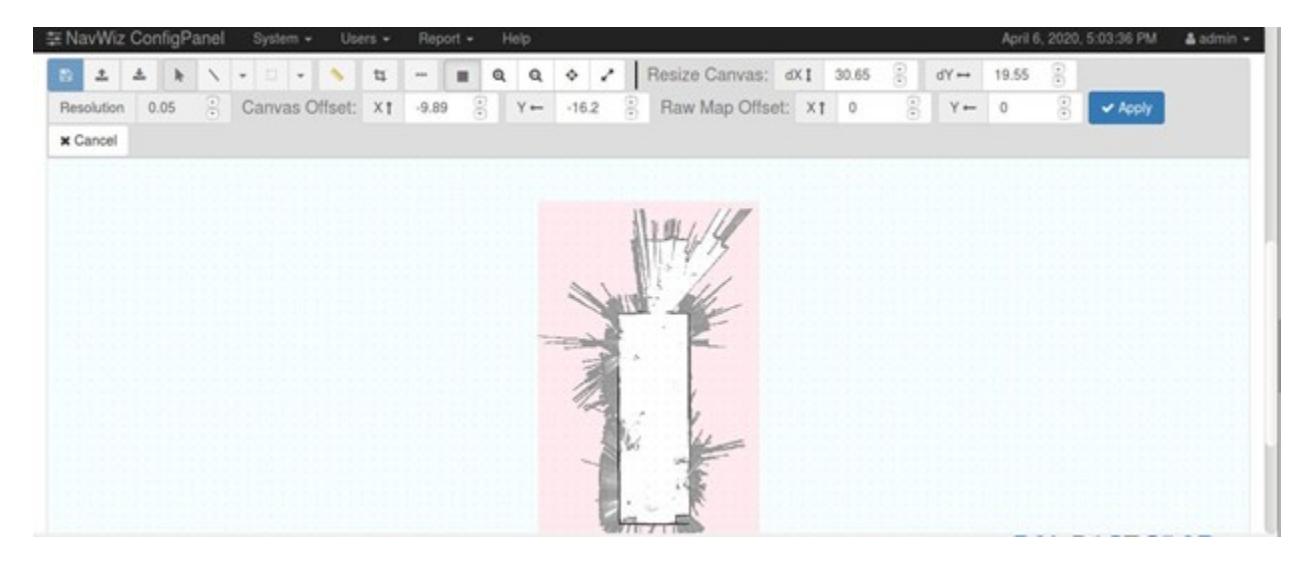
- Canvas can be resized by setting the height by dX and width by dY.
- After finishing editing the raw map, click on save and your new raw map will be added to the Raw Map selection if you have provided it with a new name, else the old raw map that has been selected to be edited will be replaced with your new edited raw map.