
Prerequisites
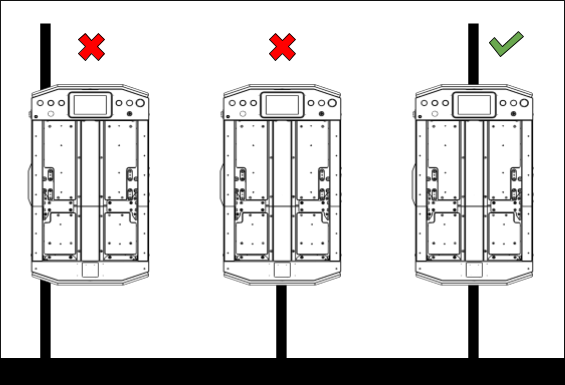
- Place the AGV on the middle of the magnetic tape as shown in the diagram below. The AGV must be centered — an off-center position will produce incorrect calibration.
For NavWiz v1.13 and Above
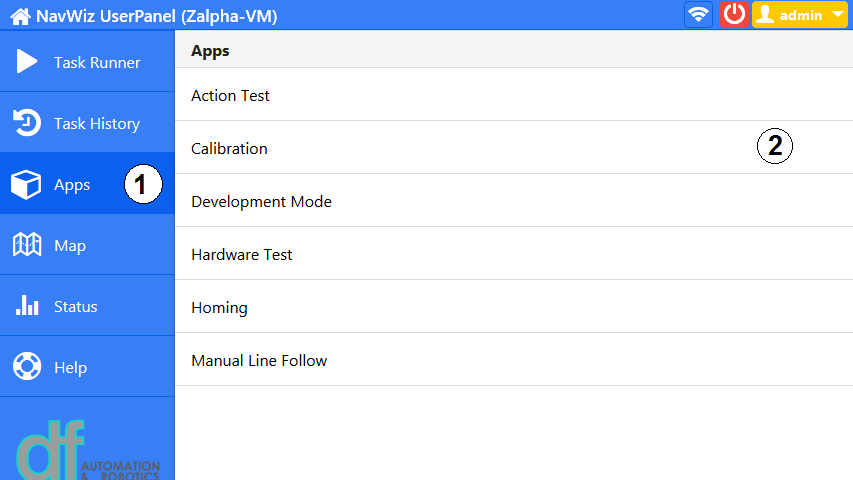
- Open the NavWiz UserPanel and navigate to Apps. Select the Calibration app.
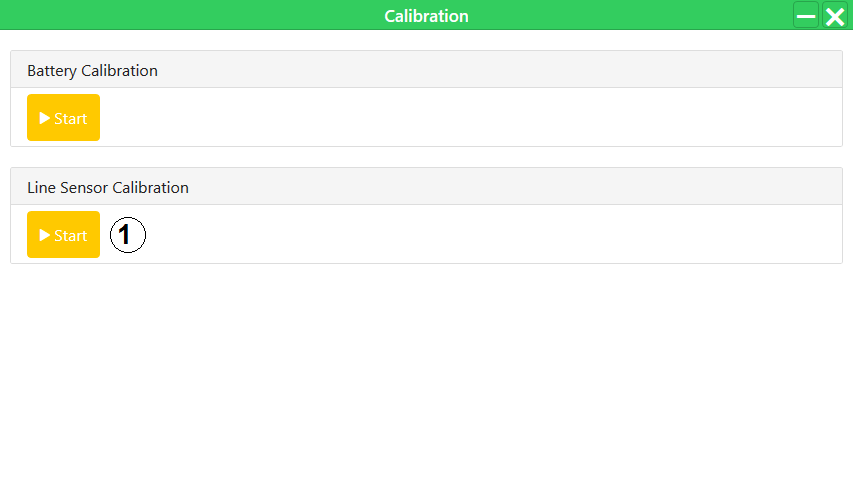
- In the Calibration dialog, under Line Sensor Calibration, press Start.
- The AGV will rotate slightly to the left and to the right, then return to its center position. A popup will appear indicating the calibration is completed.
For NavWiz Prior to v1.13
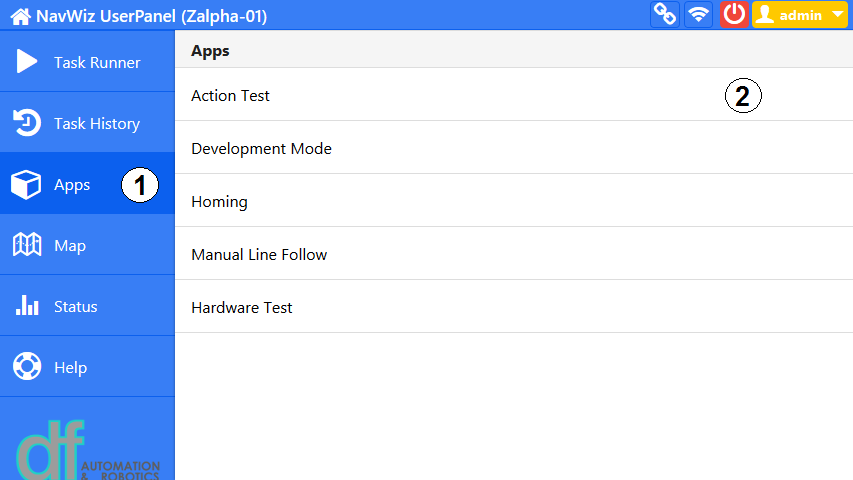
- Open the NavWiz UserPanel and navigate to Apps. Select the Action Test app.
- In the Action Test dialog, select Line Calibration from the dropdown and press Start.
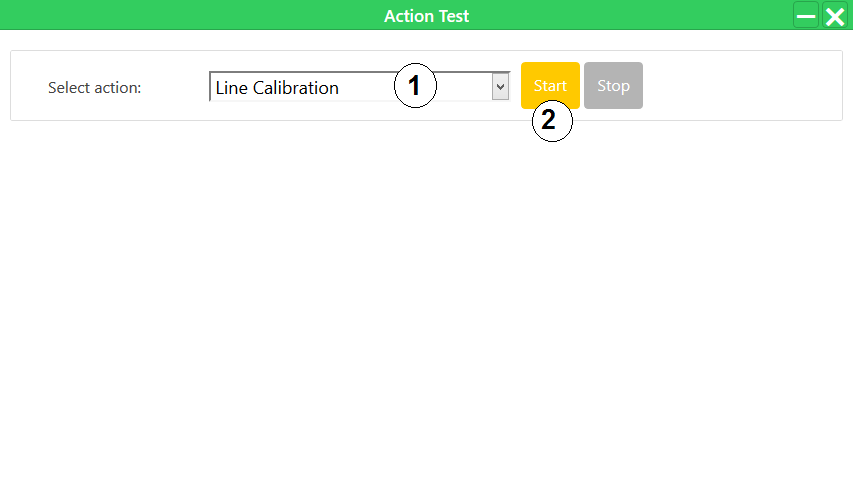
- The AGV will rotate slightly to the left and to the right, then return to its center position. A popup will appear indicating the calibration is completed.