DF Support DF Support

Calibrate Battery

1 min read · Published May 30, 2026 · Maintenance & Servicing

Calibrate Battery

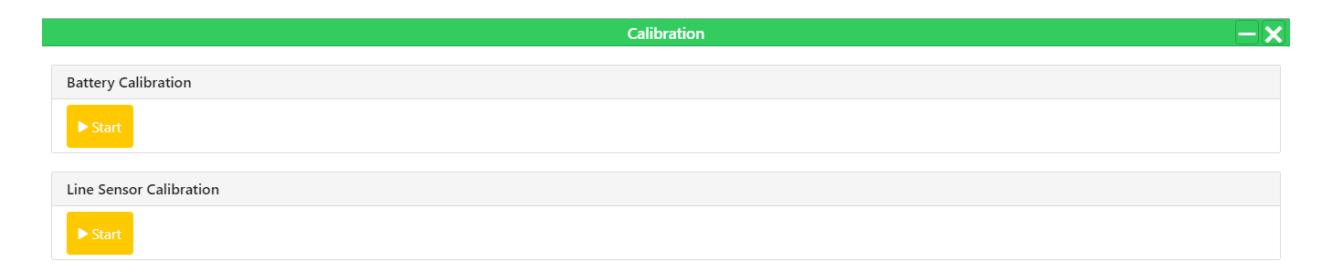
To calibrate battery, in the user panel, go to "Apps > Calibration".

  1. Click on the "Start Button" under Battery Calibration section to start the calibration.Calibration screen with Battery and Line Sensor Calibration options. — This image shows the calibration interface for an autonomous robot, allowing users to start battery and line sensor calibration.
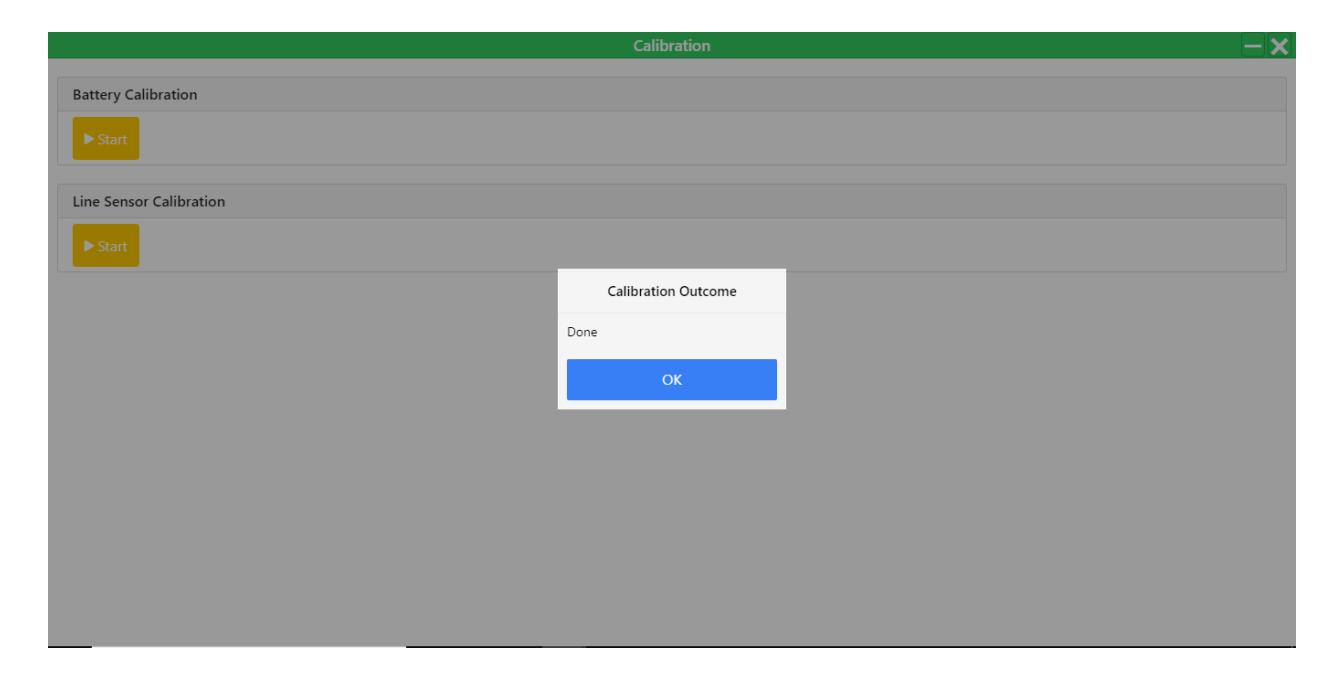
  2. Once the calibration is finished, a popup will appear.Calibration Outcome dialog box showing 'Done' with an OK button. — This image displays a confirmation dialog indicating that calibration procedures have been successfully completed.

Was this article helpful?

Still stuck? How can we help?

Reach out to our support team on WhatsApp for personalized assistance.

Chat with us on WhatsApp

Updated on September 9, 2026