Download Log Files
This guide walks through the steps to download log files from the DFleet system.
- Navigate to ConfigPanel of the DFleet system. You will need to login using an admin or supervisor account.
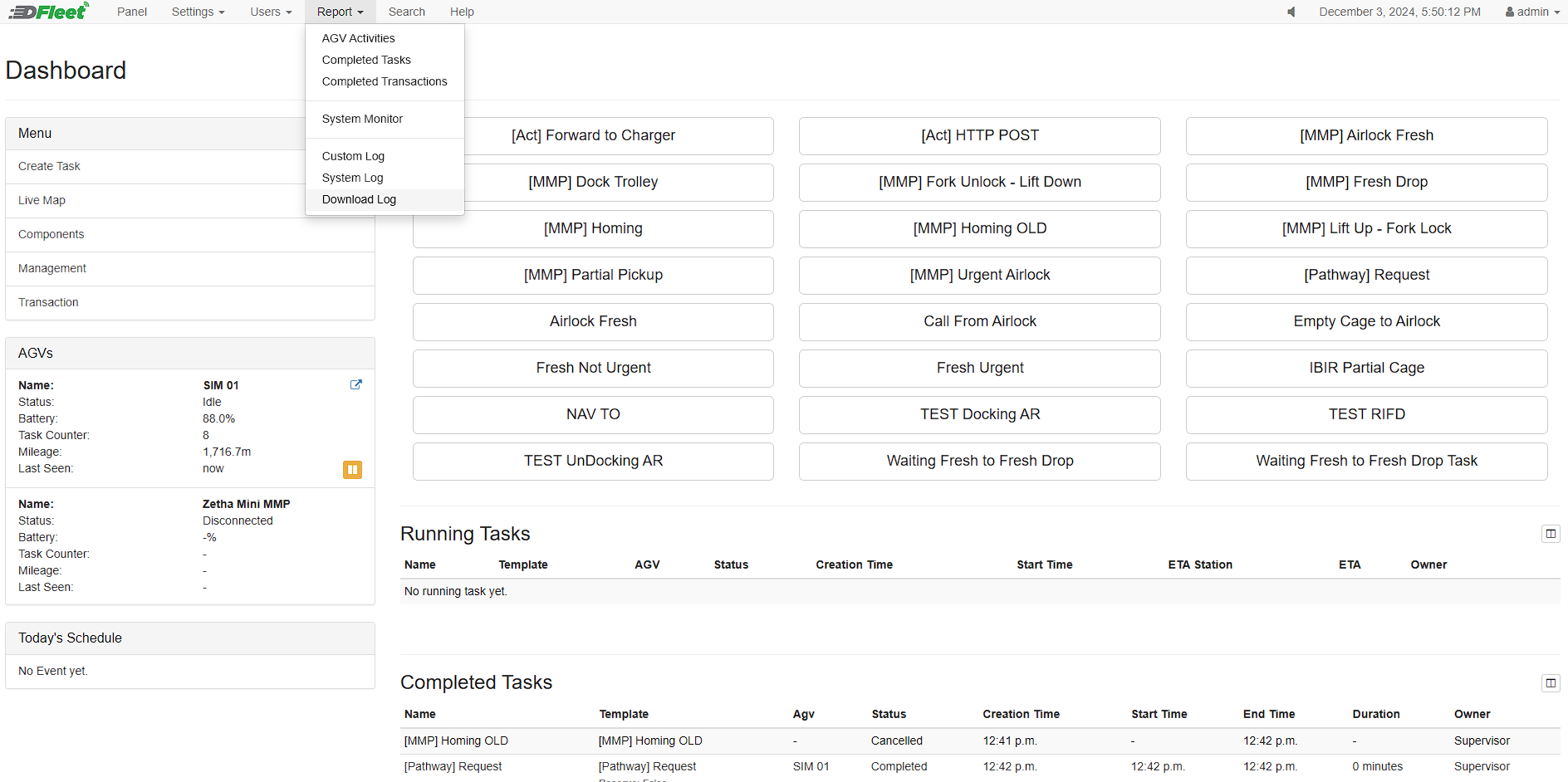
- Under ConfigPanel, navigate to Report > Download Log.
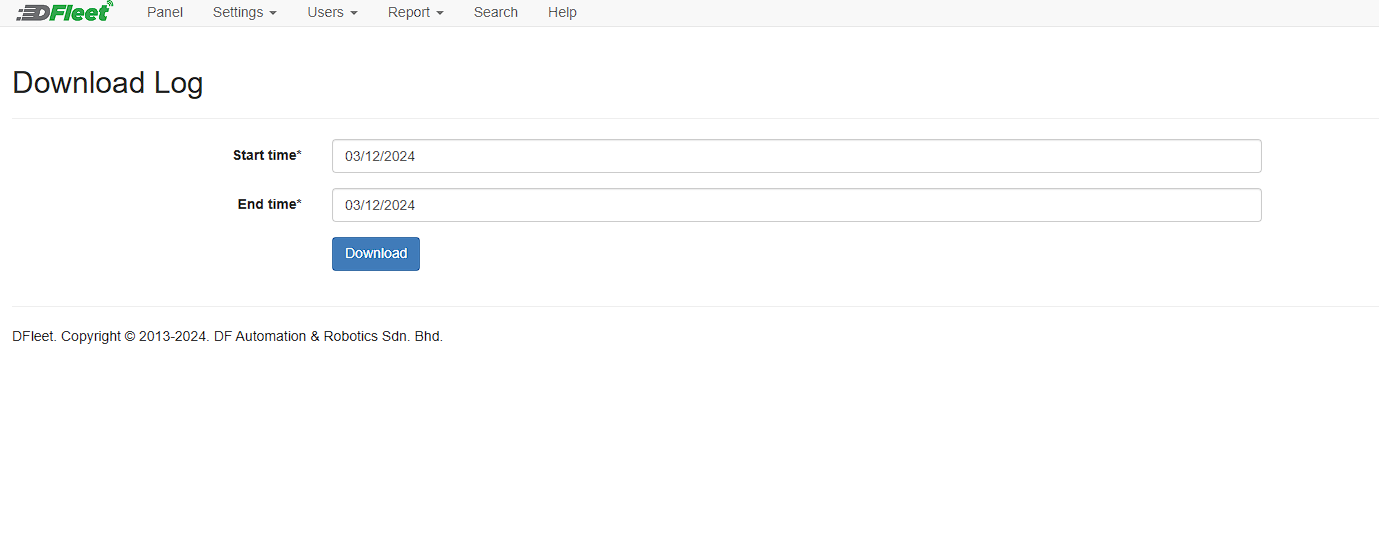
- Under this page, you will see a date range for the log file to be downloaded from. Select the Start time and End time, then click Download.